










Scan your ID card to PDF on Android.
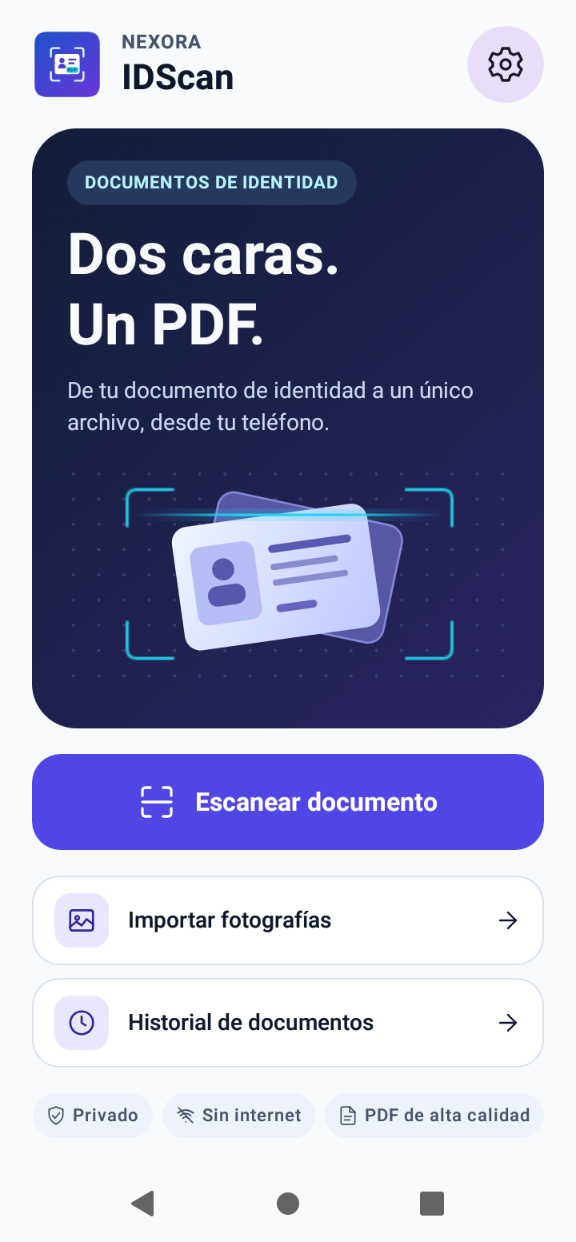
Photograph the front and back or import two images. Check the crop and combine both sides into a PDF you can save or share.
How to turn both sides of an ID card into a PDF
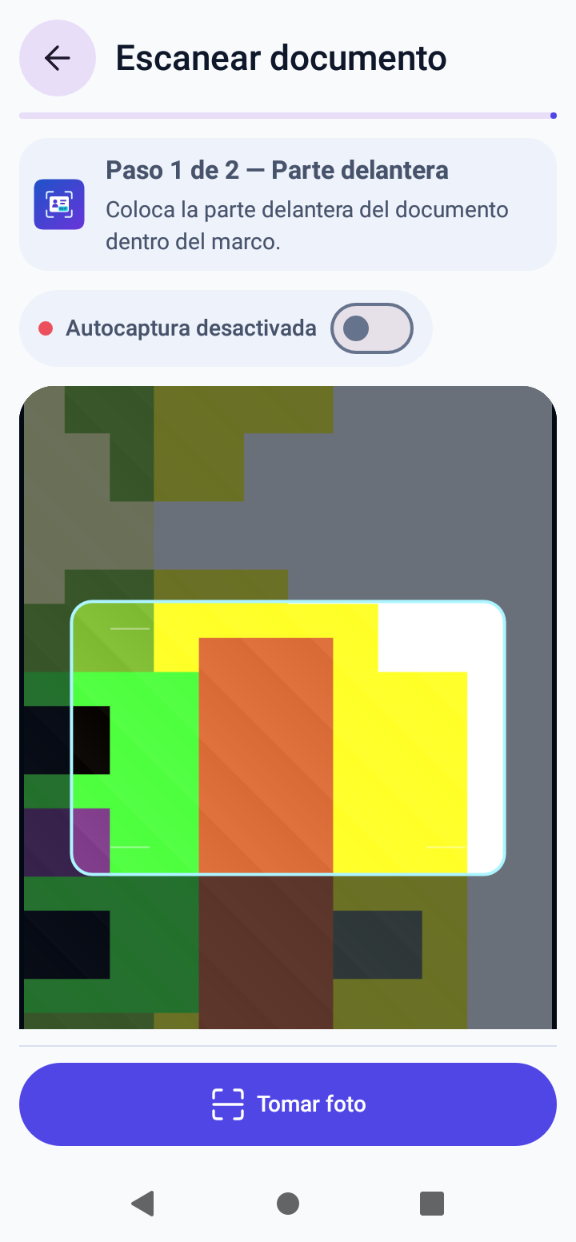
Capture or import photos
Start with the front and then the back. Use the shutter button or enable automatic capture.
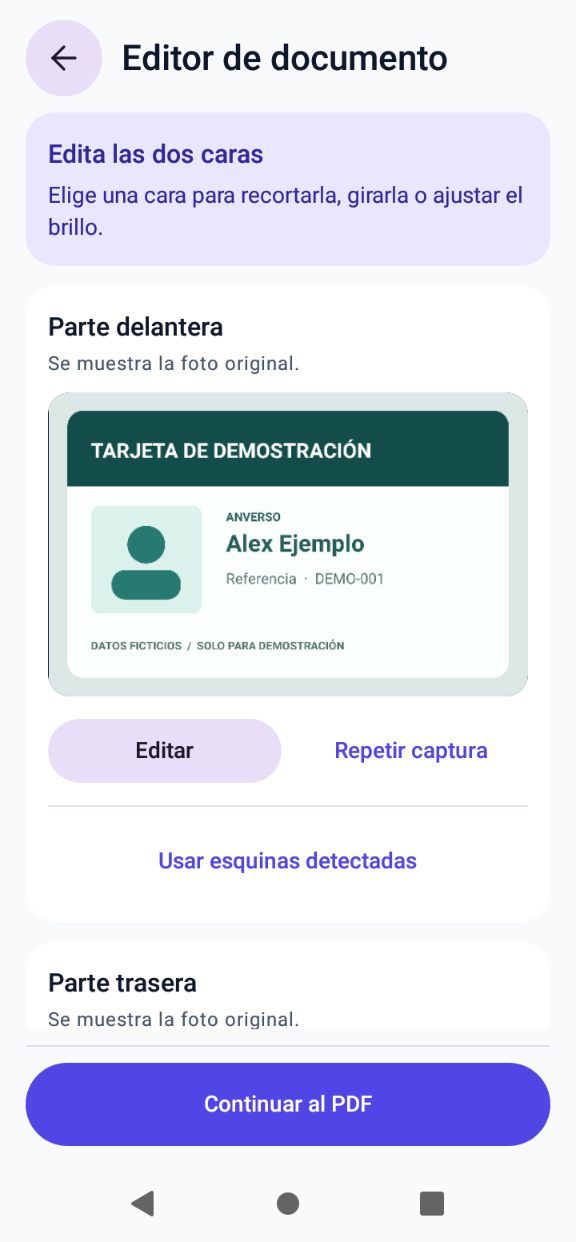
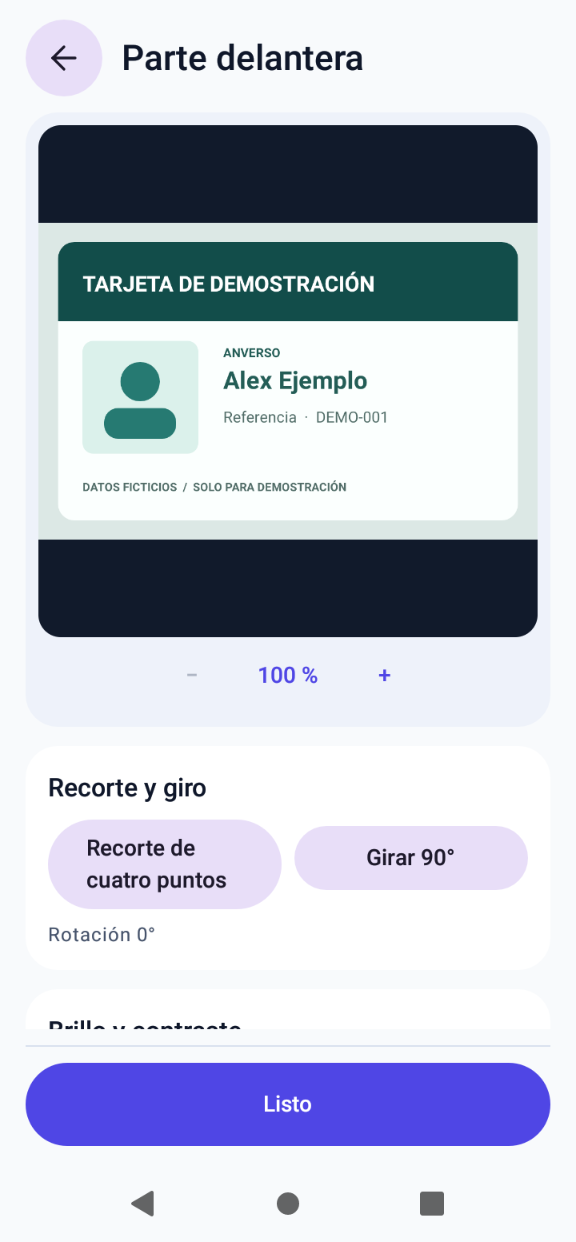
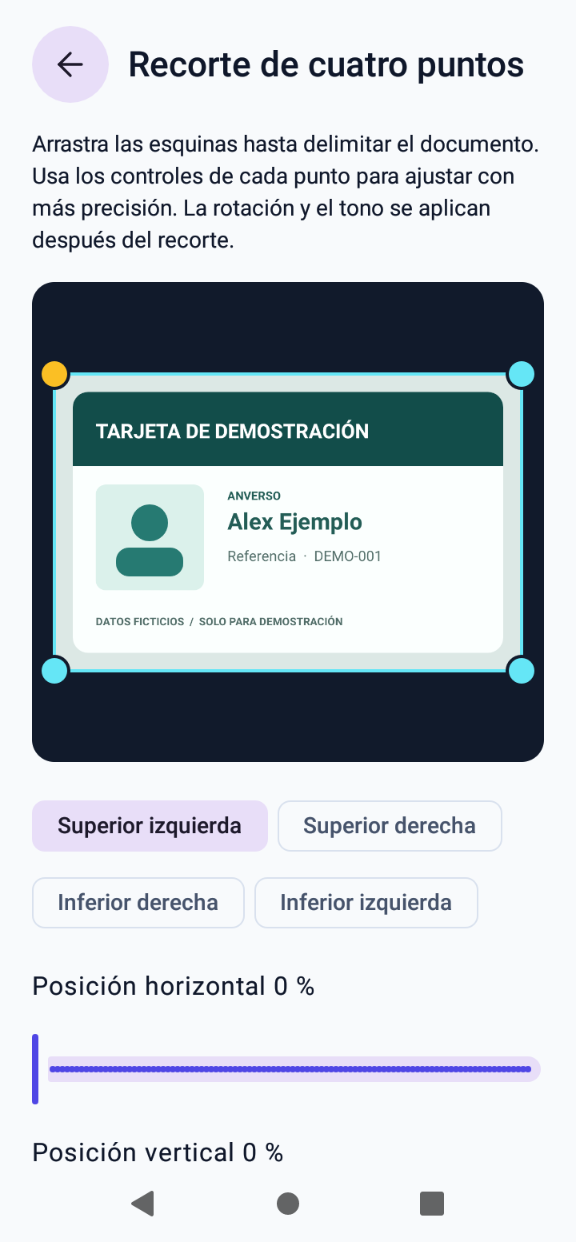
Review the crop
Keep the full photo or adjust its corners. Rotate the images, change the brightness or retake a photo.
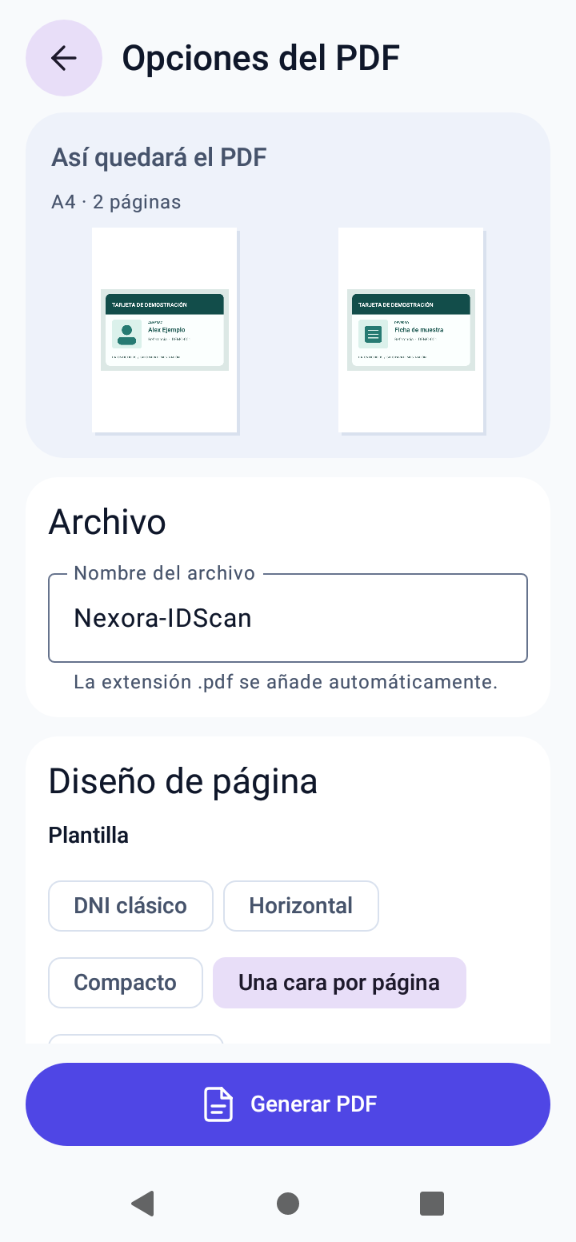
Prepare and export the PDF
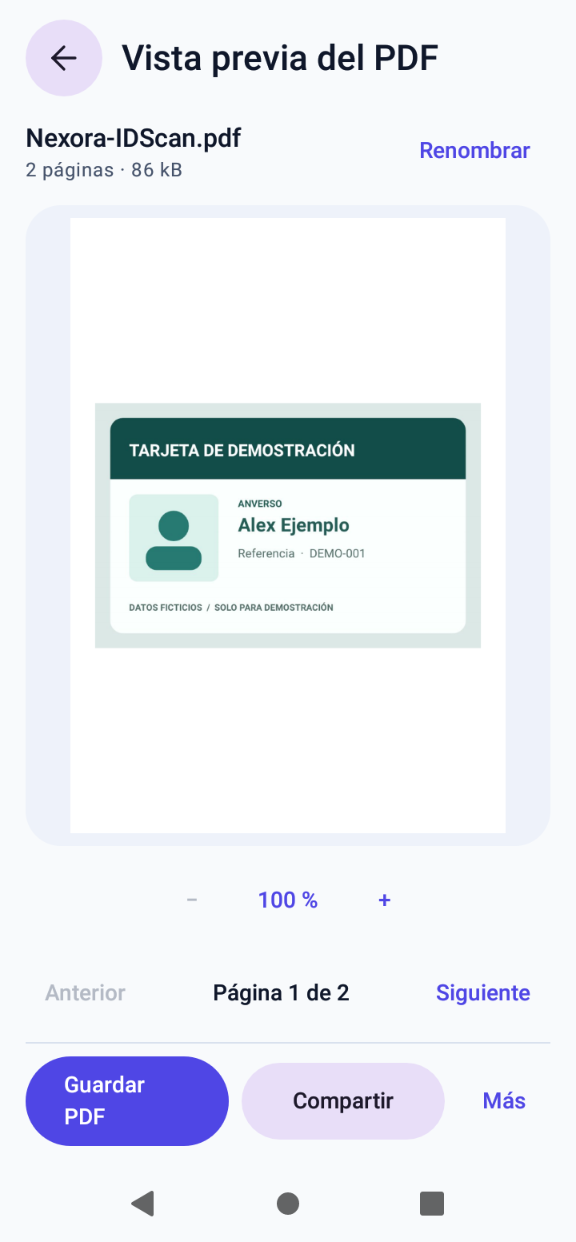
Choose the layout, paper and margins. Preview the PDF before saving, printing or sharing it from Android.
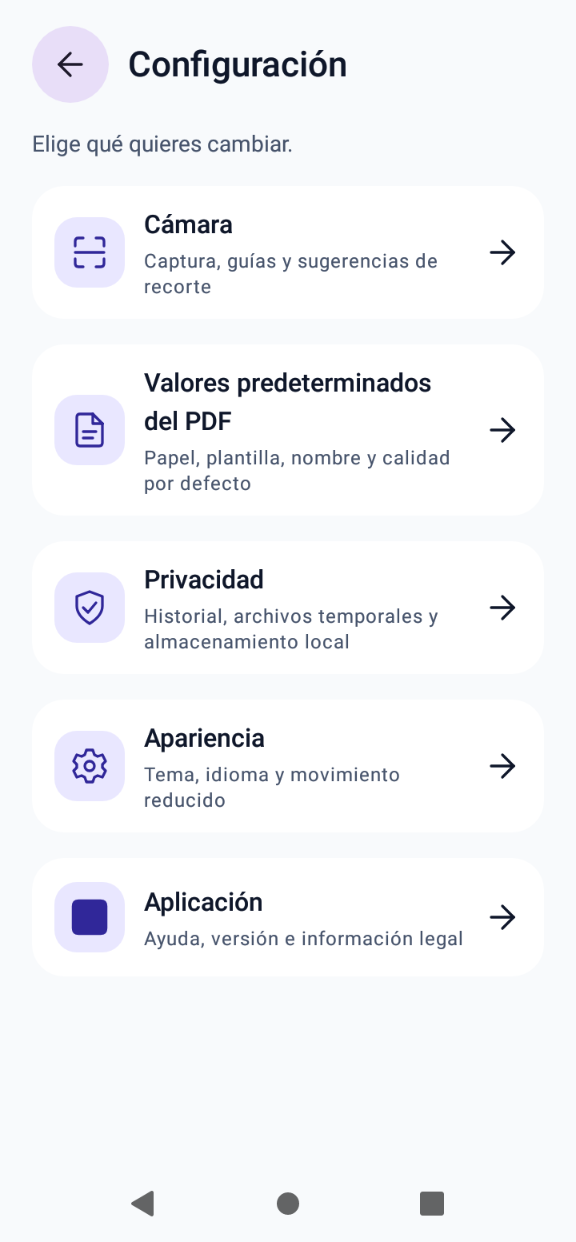
Nexora IDScan 1.2.2 screenshots
Spanish interface with fictional sample documents.
Your documents are processed on your phone
Scanning, editing and PDF creation work offline without an account. Local history is optional and you choose which documents to keep and where to share them.
Nexora IDScan tutorials
Follow the guides to capture both sides, correct the crop and export the PDF.
Browse all tutorialsInstallation requirements
You need Android 6.0 or later and space to install the APK. To take photos, allow camera access. If you already have the images, import them from Files.
License
You may install and use Nexora IDScan free of charge. Selling, reselling or commercializing the app or its installer is prohibited.
Read the full license →Frequently asked questions
How do I put both sides of an ID card on one page?
Choose the layout with both sides on one page in PDF options. Check the preview and save the result.
Can I use photos I already have?
Yes. Choose Import photos and select both images in Android. You can crop them or swap their order before exporting.
What version of Android do I need?
Android 6.0 or later. To take photos, allow camera access when Android asks.
Are my photos sent over the internet?
Scanning and export run on your device. When you share a PDF, Android lets you choose which app or destination receives it.
Can I retake just one photo?
Yes. In the review screen, select the side you want to retake. The other image is kept. Auto-capture starts off for the retake and you can enable it for that shot.
Can I use the app for free?
Yes. You can install and use it free of charge. The license does not authorize selling the APK or charging to distribute it.
Download Nexora IDScan for Android
Version 1.2.2 · Android 6.0 or later · Spanish and English
Open the APK from Files and follow the Android prompt if it asks you to allow installation from that source.