







Camera and gallery
Scan a printed code or read one from a saved photo. If an image contains more than one QR code, choose the one you want.
 QRLY · ANDROID
Scan QR codes with your camera or from a photo, create your own codes and save favorites on your Android phone. Download QRLY 1.5 for free.
Download APK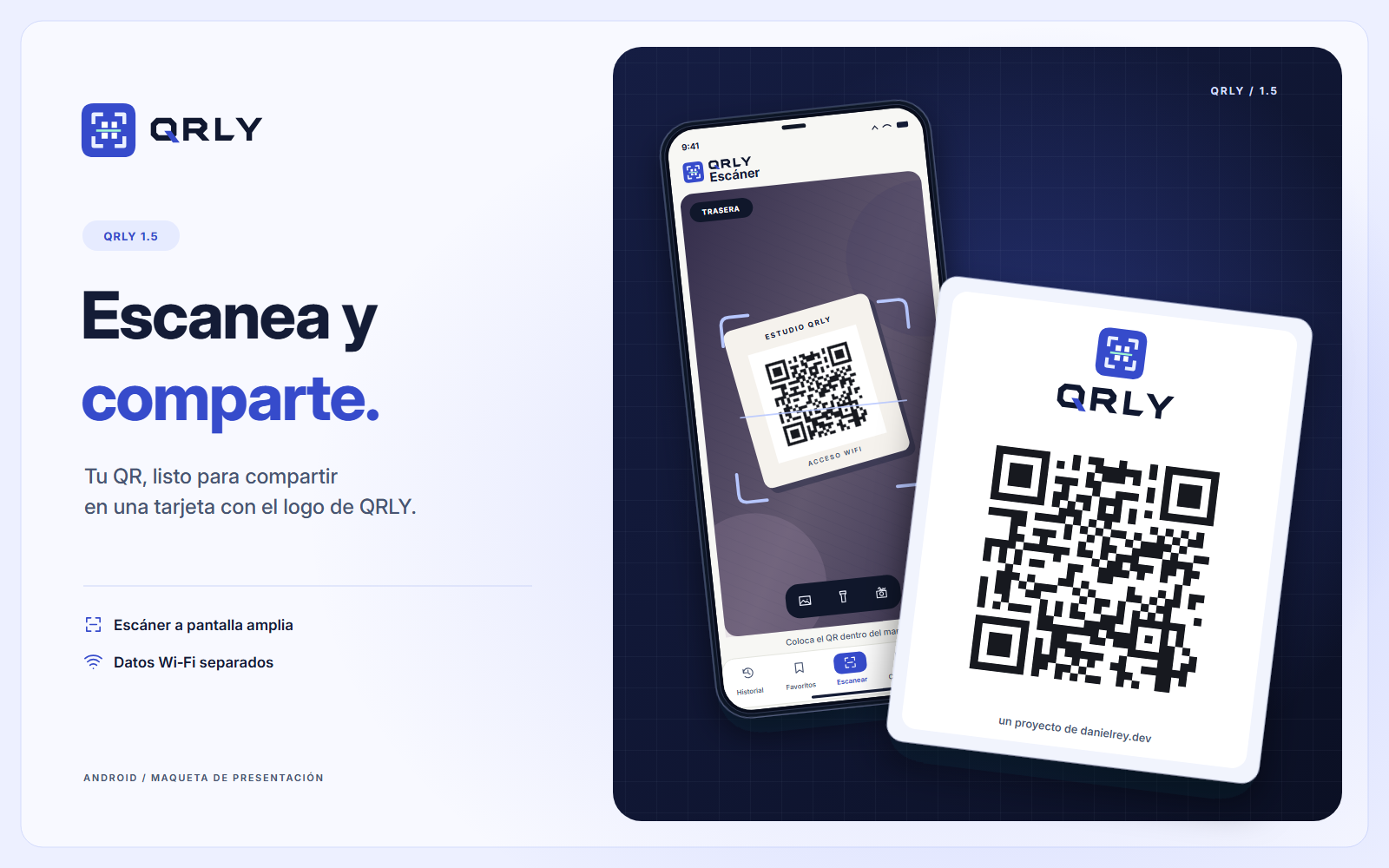
THE TOOLKIT
Create eight types of QR codes, customize their colors and export them in PNG or SVG. Use the local history to find saved codes.
Scan a printed code or read one from a saved photo. If an image contains more than one QR code, choose the one you want.
Make QR codes for links, text, Wi-Fi and other content. Adjust colors, module shapes and export size, then save a PNG or SVG.
Find previous scans by date or search. Name frequently used codes and save them as favorites so you can find them again.
Check the decoded content before choosing an action. Copy or share text, review a link, or inspect the network name and password in a Wi-Fi code.
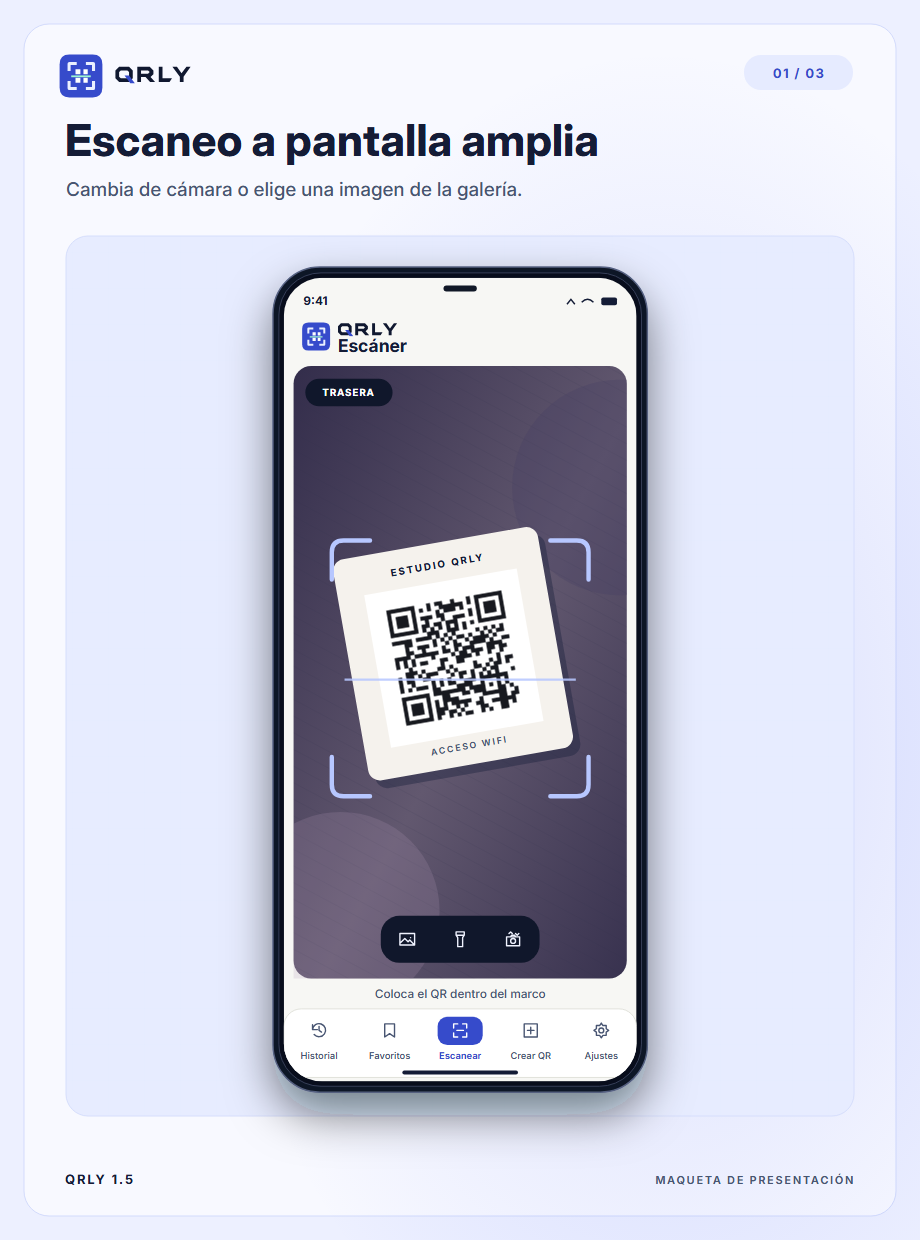
Point at the code and review the result before opening a link. Copy it or save it as a favorite.
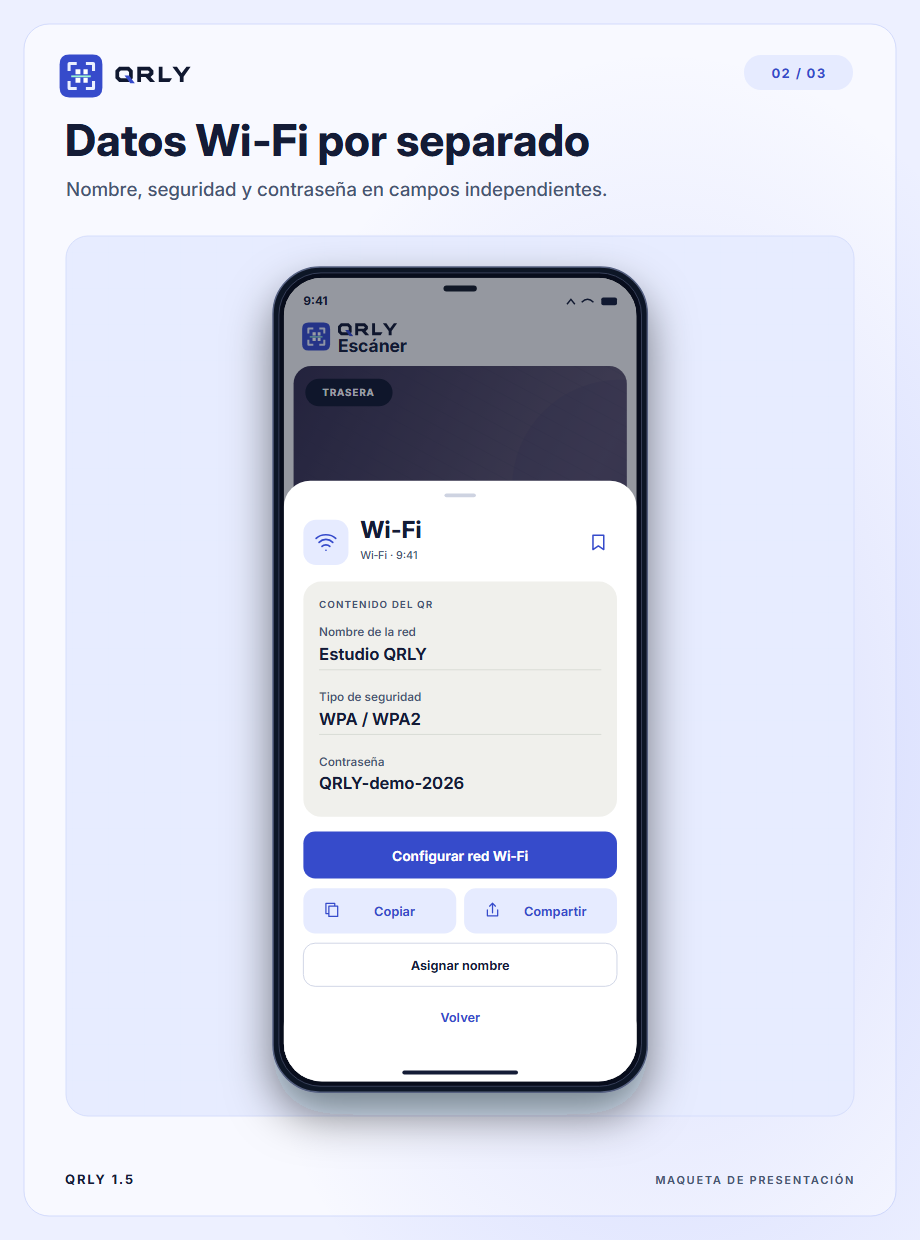
See the network name, security type and password in separate fields.
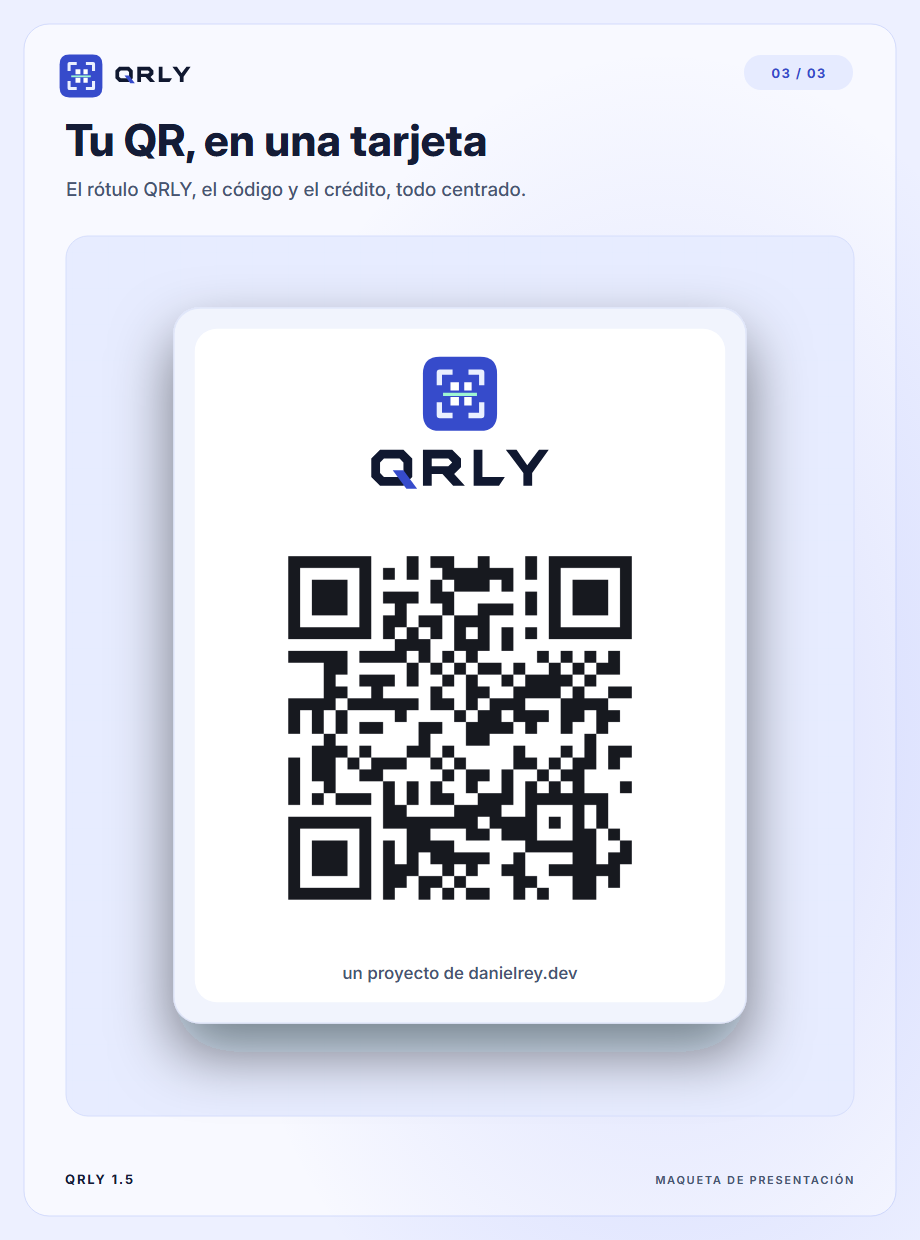
Version 1.5 centers the code alongside the QRLY wordmark and project credit. Share a card from either a scan or the generator.
ANDROID · 1.5.0
Open the APK on a device running Android 10 or later and follow the installer prompts. This build is signed with a test key for direct installation.
LICENSE
Use QRLY for personal projects, studies or work.
Send others to this download page so they can get the APK.
Selling, renting or charging for access to QRLY requires written permission. You can use the QR codes you create for work.
Download the APK and open it on a device running Android 10 or later. Follow the installer prompts. If Android asks, allow installation from the app that opened the file.
Yes. Open Gallery from the scanner and select an image. If it contains several codes, you can choose which one to read.
Scanning and generation run on the device. If you open a link, the destination app may need a connection.
On your device. Exported JSON backups can contain sensitive data such as Wi-Fi passwords. Store them somewhere you trust.
Yes, professional use is free too. The license prohibits charging for the app itself or access to it.